Paint FPS Project
A downloadable game
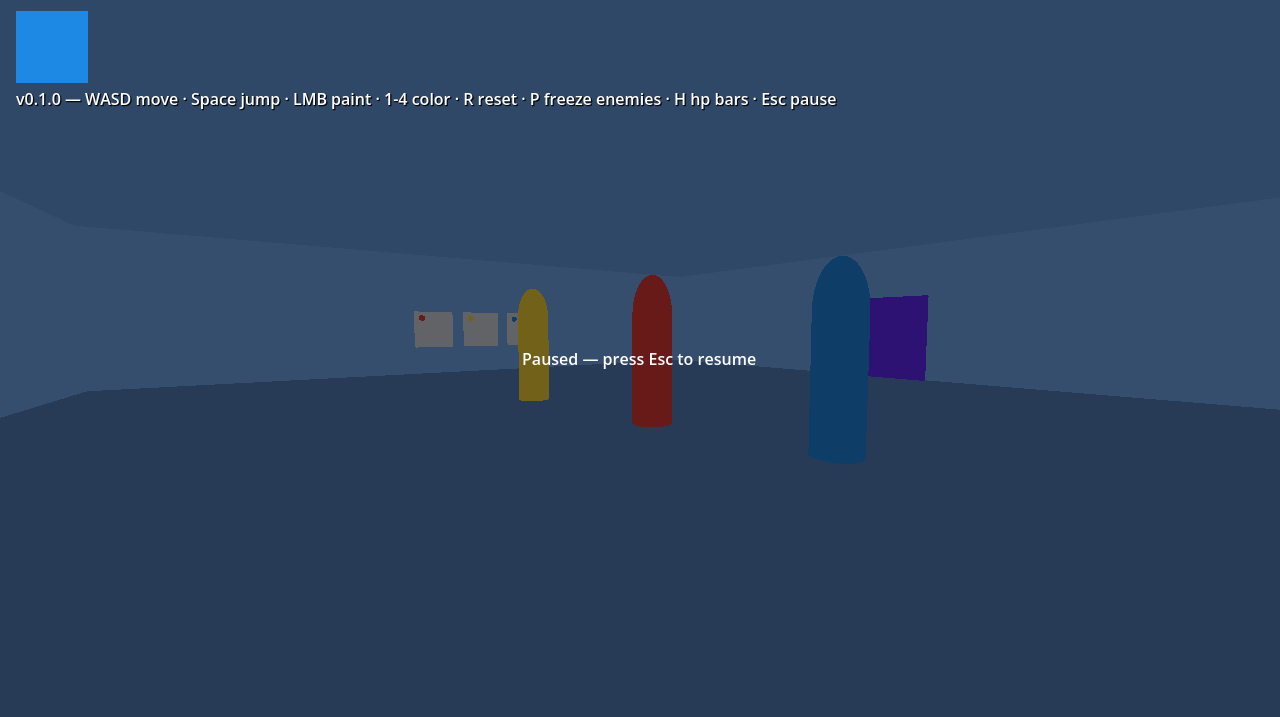
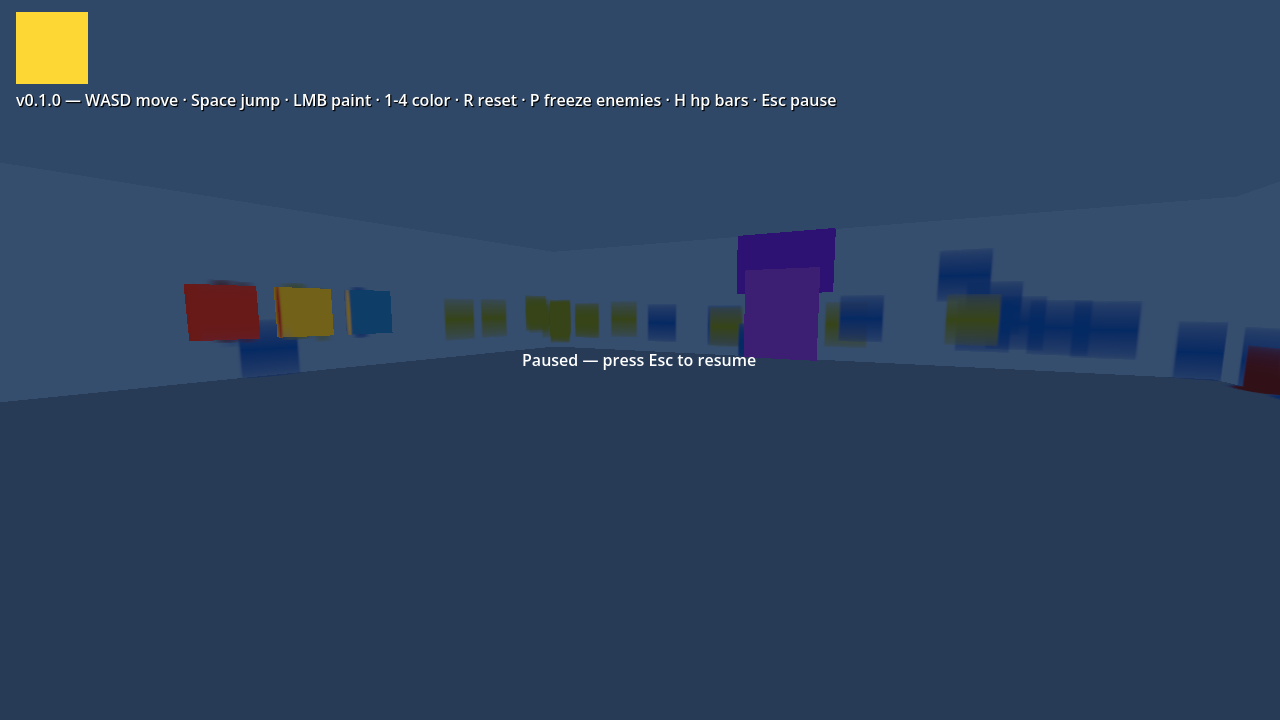
Paint FPS is a free prototype built with Cursor in Godot 4: a first-person “paint gun” blockout in the spirit of old-school corridor shooters, with flat, vector-like materials. I wanted to try to build a game using AI coding and this was a fun excuse to see how the process actually works while learning along the way.
How to play
- Move and look with WASD + mouse; Space to jump.
- Left click fires paint projectiles and tags paintable surfaces.
- 1 / 2 / 3 switch your paint between red, yellow, and blue (a fourth slot exists for future use). R clears your splats. Esc pauses.
Color combat
- Yellow beats Blue · Blue beats Red · Red beats Yellow
- Matching colors = neutral damage; strong match = more hurt; bad match = tickle-tier damage. Enemies will chase or flee based on the matchup.
Audio
- Shots use simple note mapping by color.
- Opening the Level 1 exit uses a triad chord; Level 2 puzzle completion and Level 3’s R Y B R Y B crown sequence have chord feedback.
- Hit sounds are short staccato ticks scaled to weak / normal / strong hits.
Three level scaffolds
- Ground floor — Castle Shield mural (three panes, targets R / Y / B). When solved, the door opens; walk into the exit to load Level 2.
- Grand gallery — Compass rose (four segments: R, Y, B, R by direction). Finishing it spawns a miniboss that fires slow, dodgeable paint orbs. Defeat it & reach the exit for Level 3.
- Crown wall (R Y B R Y B in order), a shifting boss, and a Game Clear label on boss defeat.
Debug / testing (optional)
- P — freeze / unfreeze enemy movement.
- H — toggle enemy HP bars for tuning fights.
- Puzzle panes show small target-color hints.
What to expect (honest label)
- Prototype / work in progress — blockout art, no story pass, no final characters.
- Windows and Linux builds; performance and input should be solid on a normal PC or Deck-class Linux box.
- Feel free to comment, but this is just a toy for fun.
Credits
- Engine: Godot 4.3+
- Project: Paint FPS (version shown in-game on the HUD)
Controls recap WASD move · mouse look · Space jump · LMB paint · 1–3 color · R reset splats · P debug freeze enemies · H debug HP · Esc pause
Download
Install instructions
Enjoy!
How to play
- Move and look with WASD + mouse; Space to jump.
- Left click fires paint projectiles and tags paintable surfaces.
- 1 / 2 / 3 switch your paint between red, yellow, and blue (a fourth slot exists for future use). R clears your splats. Esc pauses.
Leave a comment
Log in with itch.io to leave a comment.